How to View KML Files Without Google Earth (Easy Guide for 2026)
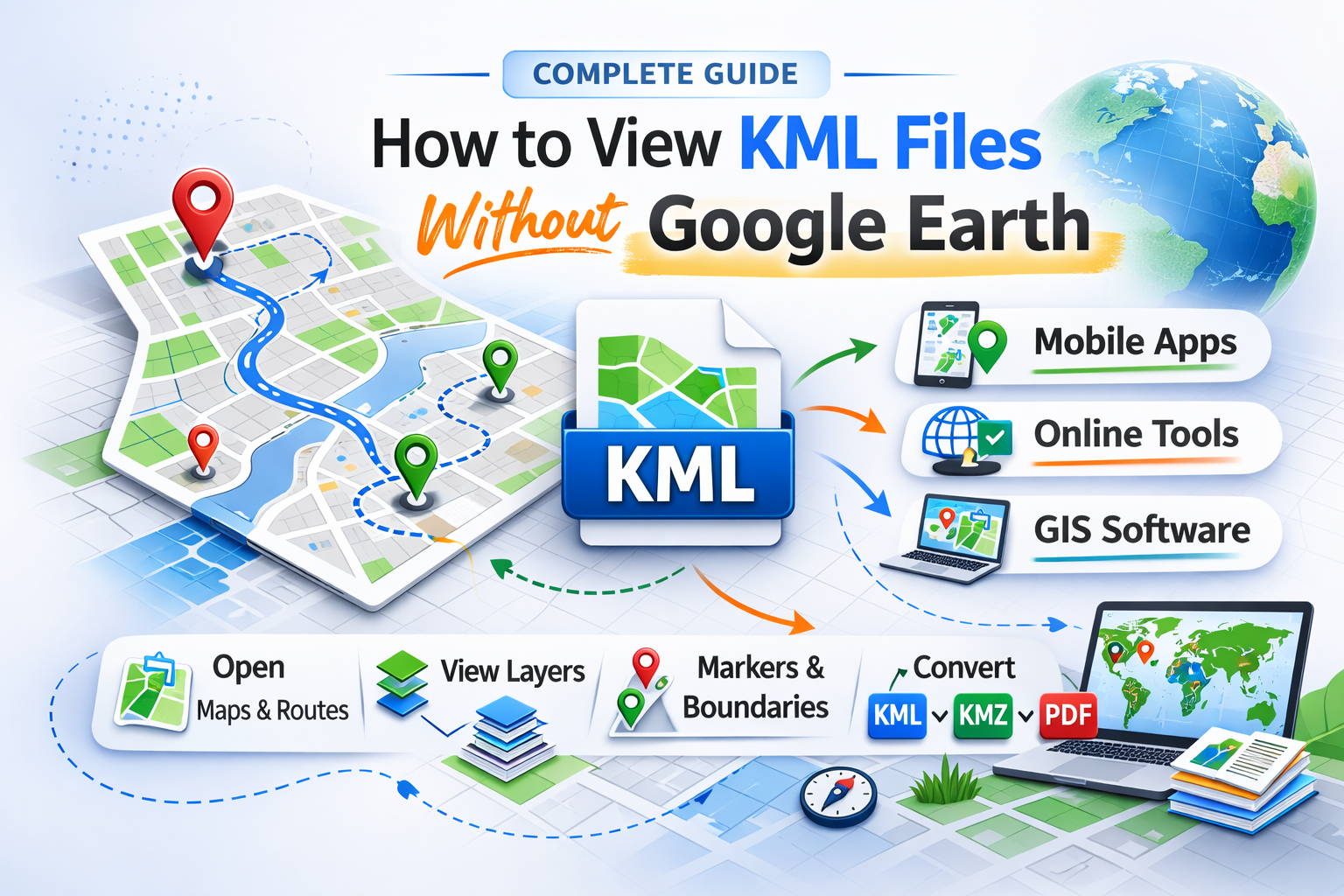
KML (Keyhole Markup Language) files are widely used to store geographic data like map locations, routes, boundaries, and place markers. Many people think you must use Google Earth to open them, but that’s not true.
In this guide, you’ll learn how to view KML files without Google Earth, using mobile apps, online tools, and alternative software.
What is a KML file?
A KML file (.kml) is a file format used to display geographic data in mapping applications. It is commonly used for:
-
Real estate property boundaries
-
Travel routes & trip planning
-
GIS mapping projects
-
Delivery & logistics tracking
-
Land survey data
KML files are XML-based and store map coordinates, styles, and overlays.
4 Ways to View KML Files Without Google Earth
1. Use a Dedicated KML Viewer App (Best & Easiest Way)
The simplest method is to use a KML Viewer and Converter app on your mobile device.
Recommended App:
-
Android: https://play.google.com/store/apps/details?id=com.bmac.kmlconverter&hl=en_IN
-
iPhone: https://apps.apple.com/us/app/kml-viewer-and-converter/id1457028727
Why Use a KML Viewer App?
-
Open KML files directly from email or downloads
-
Convert KML to KMZ, PDF, or other formats
-
View routes, markers & map layers instantly
-
Works smoothly on Android & iOS
-
No desktop required
This method is ideal for real estate agents, GIS professionals, travelers, and surveyors who need quick access on mobile.
2. Open KML Files in Google Maps
You can upload KML files to Google My Maps and view them inside Google Maps.
Steps:
-
Go to Google My Maps
-
Create a new map
-
Click "Import."
-
Upload your KML file
-
View your map layers instantly
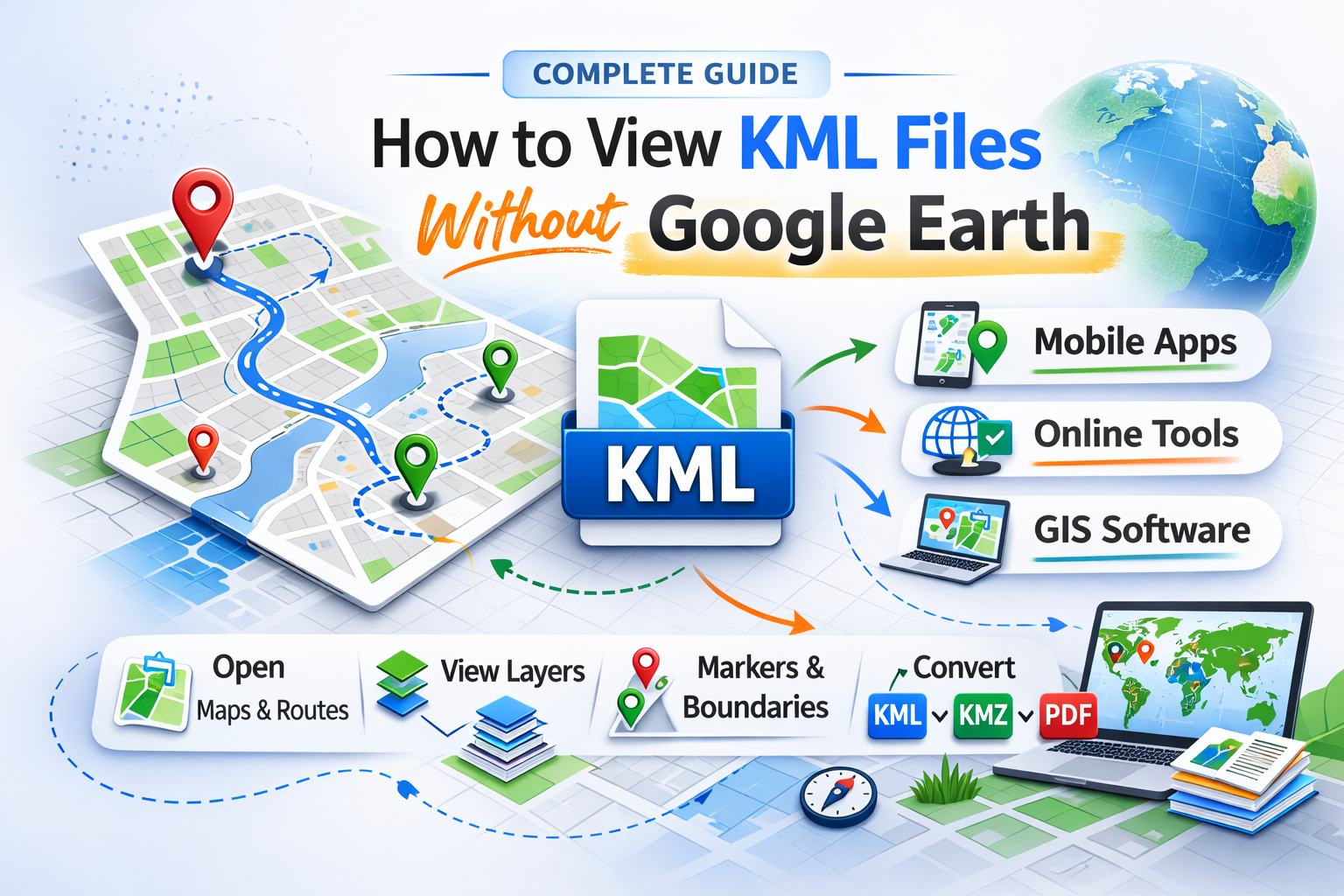
3. Use Online KML Viewer Websites
Several online platforms allow you to upload and view KML files directly in a browser.
Pros:
-
No app installation required
-
Works on desktop
Cons:
-
Requires internet connection
-
Data privacy concerns
-
Limited features
Best for quick preview only.
4. Use GIS Software (Advanced Users)
Professionals can use GIS tools like the following:
-
QGIS
-
ArcGIS
These tools provide advanced editing, analysis, and layer management features.
Which method is best?
| Method | Best For | Ease of Use |
|---|---|---|
| KML Viewer App | Mobile users | âÂÂâÂÂâÂÂâÂÂâ |
| Google Maps | Basic viewing | âÂÂâÂÂâ |
| Online Viewers | Quick preview | âÂÂâ |
| GIS Software | Professionals | â |
If you need fast, reliable, and mobile-friendly access, a dedicated KML Viewer app is the best solution.
How to Open KML File on Android or iPhone
-
Download a KML Viewer app
-
Open the app
-
Import your KML file
-
View map layers instantly
That’s it no Google Earth required.
Q1: Can I open KML files without Google Earth?
Yes. You can use mobile apps, Google Maps, or GIS software.
Q2: How do I open KML files on Android?
Install a KML Viewer app and import the file directly.
Q3: Can I convert KML to KMZ?
Yes, many KML viewer apps allow format conversion.
Q4: Is KML the same as KMZ?
No. KMZ is a compressed version of KML.
Posted 1 month ago by