Smarter, Faster KML Conversion: What’s New in the Updated KML Viewer App
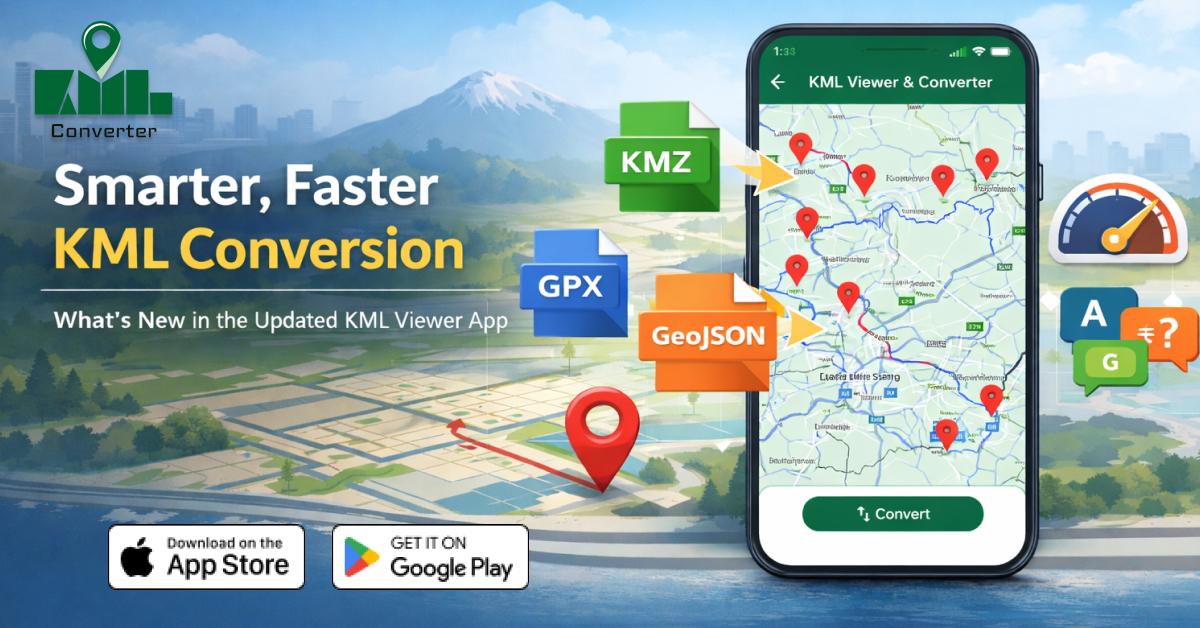
Working with geospatial data used to require heavy desktop GIS software. But now, thanks to modern mobile tools, you can open, view, and convert KML files directly from your phone. The updated KML Viewer app brings powerful new improvements that make map file management smarter, faster, and more accessible than ever.
In this guide, we’ll break down the latest features, performance upgrades, and why this app is becoming a go-to tool for mobile GIS users.
What Is a KML Viewer App?
A KML Viewer app allows users to open and interact with KML (Keyhole Markup Language) files, a format widely used for geographic data, routes, boundaries, and map overlays.
Instead of transferring files to a desktop, users can now:
-
View KML files on mobile maps
-
Convert KML to other formats
-
Share geospatial data easily
-
Manage map layers on the go
This is especially useful for surveyors, GIS students, field workers, real estate planners, travelers, and drone pilots.
What’s New in the Updated KML Viewer App?
The latest update focuses on speed, compatibility, and ease of use. Here’s what stands out:
1. Faster KML File Conversion
The app now processes large KML files much more efficiently. Conversions that used to take minutes can now happen in seconds, even for complex map layers.
Why it matters:
Users working with GPS routes or land boundary data can convert files instantly while in the field.
2. Support for More Geospatial Formats
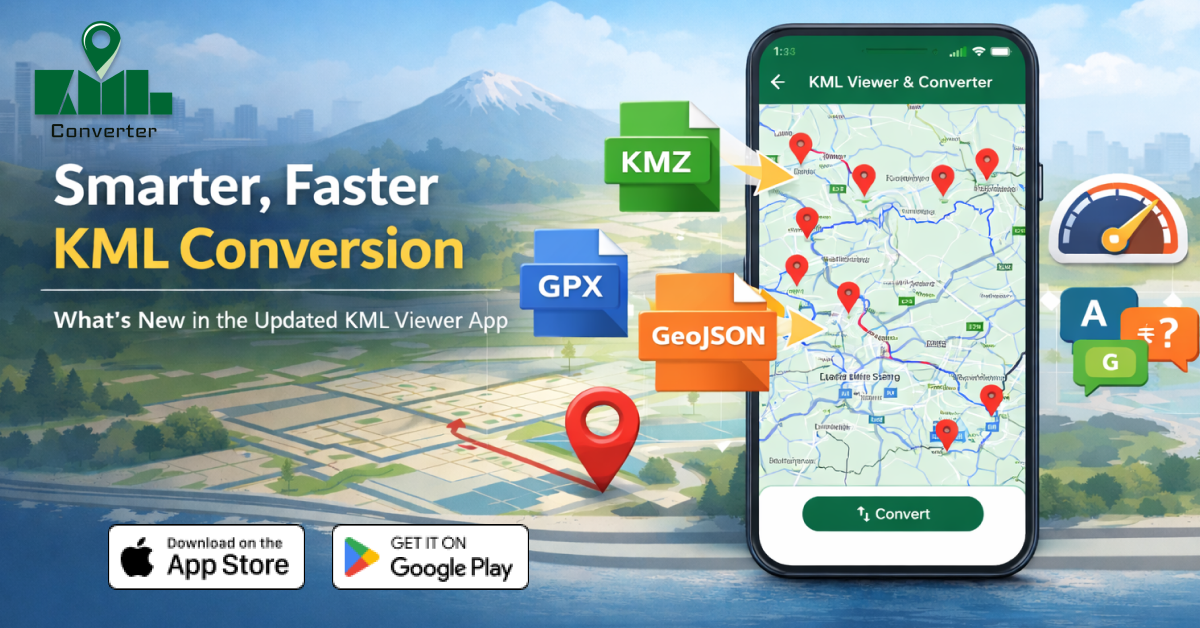
Beyond just viewing KML, the updated app supports conversion into popular GIS formats like:
-
KMZ – Compressed KML files
-
GPX – GPS route format
-
GeoJSON – Web mapping standard
-
CSV – Coordinate data for spreadsheets
This makes it easier to use your data with mapping platforms, GPS devices, or analytics tools.
3. Improved Map Rendering
Map overlays, paths, and markers now load more smoothly. Even detailed geographic data displays clearly without lag or crashes.
Best for:
Users working with property maps, hiking trails, drone flight paths, or city planning data.
4. Better Mobile User Interface
The refreshed interface makes it easier to:
-
Zoom into map layers
-
Toggle visibility of KML elements
-
Identify coordinates and placemarks
-
Navigate complex files without confusion
The design focuses on simplicity for beginners while still offering advanced tools for experienced GIS users.
5. Optimized Performance for Large Files
Large KML datasets used to slow down mobile devices. The updated app now uses better memory handling to keep performance stable even with heavy files.
Who Should Use a KML Viewer & Converter App?
This tool isn’t just for GIS professionals. It’s perfect for:
- Students learning mapping and geography
- Surveyors checking land boundaries on-site
- Travelers using GPX route files
- Urban planners reviewing project areas
- Drone operators mapping flight paths
- Environmental researchers tracking field data
If you deal with map coordinates, routes, or geographic boundaries, this app can simplify your workflow.
Benefits of Converting KML on Mobile
| Feature | Benefit |
|---|---|
| Instant file conversion | Saves time in the field |
| Multi-format export | Works with more GIS tools |
| Offline file access | No need for constant internet |
| Mobile-friendly interface | Easy for beginners |
| Fast map rendering | Smooth performance |
Why This App Stands Out in 2026
Many GIS tools are still desktop-based. This updated KML Viewer focuses on mobility and convenience, which is exactly what modern users need.
Key advantages:
-
No technical GIS background required
-
Works anywhere, anytime
-
Reduces dependency on laptops
-
Quick sharing of converted map files
For professionals working outdoors or teams sharing location data remotely, this update is a major productivity boost.
How to Use the App for KML Conversion (Quick Steps)
-
Open the KML file in the app
-
View the map layer and confirm details
-
Choose Convert/Export.
-
Select format (GPX, GeoJSON, CSV, etc.)
-
Save or share the converted file
That’s it; no complicated GIS software is needed.
1. What is the KML Viewer app used for?
It is used to open, view, and convert KML map files on a mobile device without needing desktop mapping software.
2. Can I convert KML files to GPX or GeoJSON on my phone?
Yes, the updated app allows you to convert KML files into GPX, GeoJSON, KMZ, and CSV formats directly on mobile.
3. Is the KML Viewer app suitable for beginners?
Yes, the interface is simple and designed for users with little to no GIS experience.
4. Why is KML conversion important?
Converting KML files allows compatibility with GPS devices, mapping platforms, and geographic data tools that use other file formats.
5. Does the app work offline?
Yes, users can open and manage stored KML files without an internet connection.
Final Thoughts
The updated KML Viewer app transforms how people handle geographic data on mobile. With faster conversion speeds, broader file format support, and smoother performance, it bridges the gap between professional GIS tools and everyday users.
Whether you're mapping routes, reviewing land boundaries, or managing GPS data, this smarter and faster KML conversion tool is a must-have for 2026.
Posted 1 month ago by