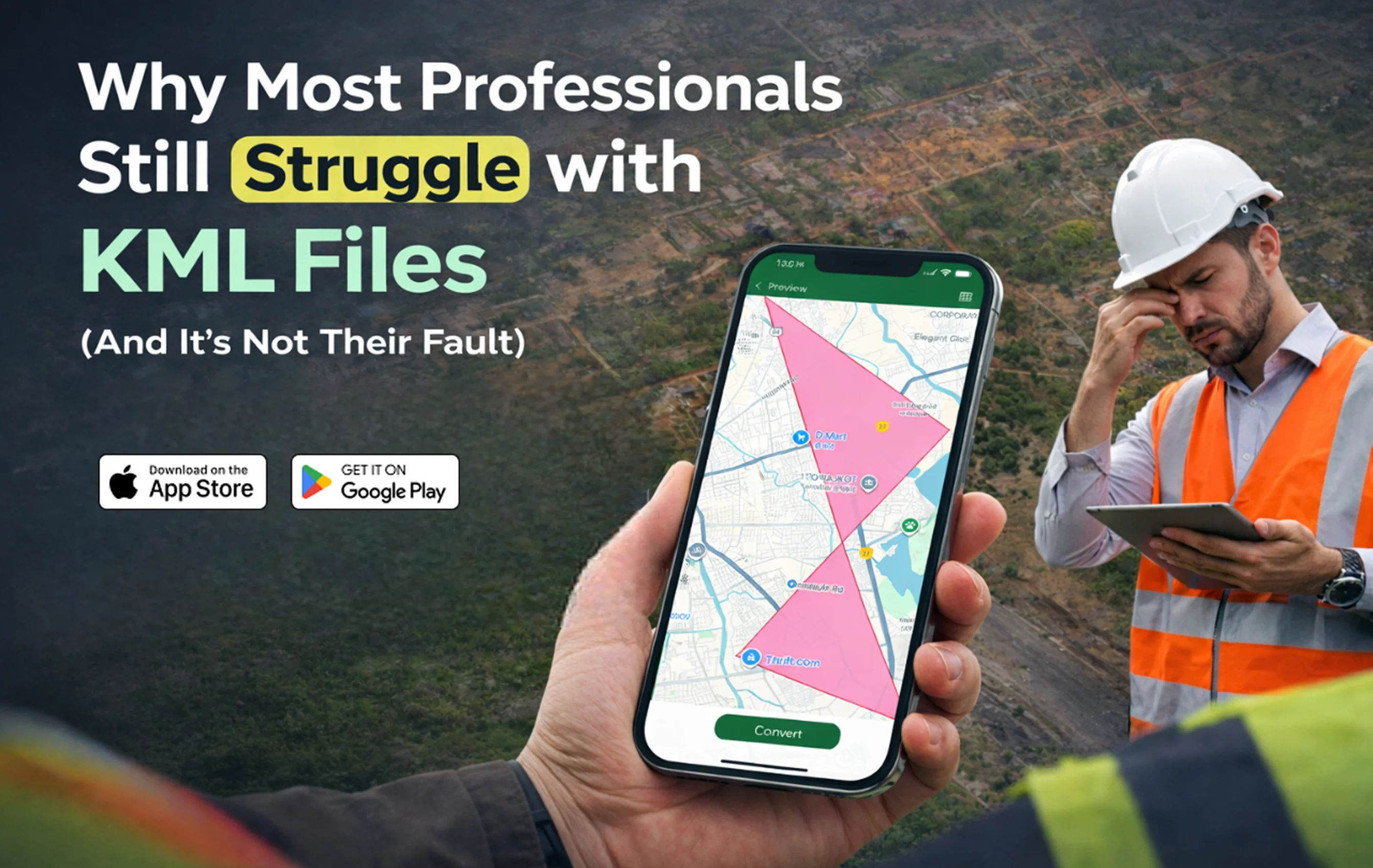
KML (Keyhole Markup Language) has become a standard file format in modern geospatial workflows. Civil engineers, surveyors, GIS professionals, urban planners, and infrastructure consultants rely on KML files to manage boundaries, routes, coordinates, and site layouts.
Technically, KML is structured, lightweight, and efficient. It integrates seamlessly with mapping platforms like Google Earth and supports accurate geographic visualization.
Yet despite its simplicity, many professionals still struggle with KML files.
They struggle to:
-
Open KML files on Android during site visits
-
View KML files on iPhone in client meetings
-
Convert KML to KMZ quickly
-
Share geospatial data instantly
-
Manage multiple KML files without desktop software
The problem isn’t technical ability.
It’s an outdated workflow design.
The Engineering Reality: Work Doesn’t Happen at a Desk
Traditional GIS systems were built around desktop infrastructure. They assume access to:
-
High-performance computers
-
Licensed GIS tools
-
Stable office networks
-
Internal file-sharing systems
But modern engineering workflows are field-driven.
Surveyors operate on-site.
Civil engineers inspect land physically.
Developers validate plot boundaries in real time.
Consultants review maps during live discussions.
When a professional cannot open a KML file on Android instantly, validation is delayed.
When they cannot view KML on iPhone during a meeting, clarity is compromised.
This friction creates inefficiency not because of lack of expertise, but because tools are misaligned with field conditions.
Understanding the Technical Nature of KML Files
KML is an XML-based format designed to store geographic elements such as:
-
Latitude and longitude coordinates
-
Polygons representing land boundaries
-
Line strings for route mapping
-
Placemarks and overlays
-
Styled map visualizations
In engineering applications, KML files are used for:
-
Land parcel mapping
-
Road alignment planning
-
Utility network plotting
-
Layout approvals
-
Government land submissions
The structure is clean.
The file size is manageable.
The format is highly portable.
So why does friction persist?

The Conversion Bottleneck
One of the most common challenges engineers face is file conversion.
Professionals often need to:
-
Convert KML to KMZ
-
Compress map layers
-
Share formatted geospatial files
-
Transfer coordinate data between teams
Without a mobile KML to KMZ converter, the workflow typically looks like this:
-
Receive file in the field
-
Wait until returning to the office.
-
Open desktop GIS software
-
Convert or re-export
-
Send updated file
This process introduces delays in projects where time is critical.
A reliable KML file viewer app with built-in conversion eliminates this dependency.
Desktop GIS vs Mobile KML Workflow
The real issue becomes clearer when we compare traditional and modern workflows.
| Feature | Traditional Desktop GIS Workflow | Mobile KML Viewer App Workflow |
|---|---|---|
| File Access | Requires office system | Accessible directly on mobile |
| On-Site Validation | Not practical | Real-time boundary verification |
| KML to KMZ Conversion | Multi-step desktop process | Instant mobile conversion |
| Client Demonstration | Needs laptop setup | Immediate phone-based display |
| File Sharing | Post-processing email | Direct mobile sharing |
| Workflow Speed | Moderate to slow | Fast and field-ready |
This comparison highlights the core problem.
KML was designed to be portable.
The workflow built around it was not.
The Cost of Delayed Geospatial Access
In civil engineering and infrastructure development, delays create measurable consequences.
When professionals cannot open KML files immediately, they risk:
-
Repeated site visits
-
Extended approval cycles
-
Client communication delays
-
Project timeline extensions
-
Reduced operational efficiency
For high-value land development projects, even minor delays can affect financial planning.
Speed in geospatial validation directly impacts execution efficiency.
Why Mobile GIS is Becoming Essential
Engineering ecosystems are increasingly mobile-first.
Project management systems are mobile.
Communication tools are mobile.
Documentation approvals are mobile.
Geospatial workflows must evolve in the same direction.
With professional tools available via:
-
Google Play Store
-
Apple App Store
Engineers can now:
-
Open KML files on Android instantly
-
View KML files on iPhone without heavy GIS software
-
Convert KML to KMZ in seconds
-
Share geospatial files from the field
-
Manage multiple KML documents efficiently
This shift reduces reliance on office infrastructure and improves operational flexibility.
The Psychological Impact of Workflow Friction
Engineers are trained to operate with precision.
When something as structured as a KML file becomes difficult to access, frustration builds.
But that frustration is rarely due to a lack of technical knowledge.
It stems from:
-
Inflexible software ecosystems
-
Desktop-only design assumptions
-
Slow file conversion processes
-
Limited mobile compatibility
Once professionals adopt a mobile GIS app optimized for KML file management, the friction reduces dramatically.
Not because the file format changed.
But because the tool matched the working environment.
Engineering Demands Real-Time Decision-Making
On-site engineers often need to:
-
Cross-check coordinates instantly
-
Validate boundary alignment
-
Compare digital maps with physical landmarks
-
Share updated files during meetings
-
Convert and resend data before approvals
When these tasks require a return to the office, project momentum slows.
A mobile KML file reader ensures that geographic data remains accessible wherever the project is active.
Real-time access translates into:
-
Faster approvals
-
Improved collaboration
-
Reduced rework
-
Stronger project control
The Future of Geospatial File Management
The future of engineering is mobility-driven.
Professionals expect tools that allow them to:
-
Open KML files on Android without delay
-
View KML on iPhone seamlessly
-
Convert KML to KMZ instantly
-
Manage geospatial files efficiently on-site
Mobile-first KML workflows align with how infrastructure and real estate projects operate today.
They remove dependency.
They reduce delay.
They increase speed.
Final Thoughts
KML was created to simplify geographic visualization.
If professionals still struggle with it, the issue is not skill or capability.
It is workflow architecture that has not fully evolved.
By adopting a mobile KML viewer app designed for field professionals, engineers can:
-
Eliminate desktop bottlenecks
-
Improve on-site validation
-
Speed up file conversion
-
Enhance collaboration
-
Increase project efficiency
In modern engineering, access to data in real time is not optional.
It is a competitive advantage.
And that advantage should fit in your pocket.