In the modern digital landscape, geographic data powers everything from weekend hiking excursions to complex multinational logistics frameworks. Whether you are a casual outdoor adventurer mapping a weekend trail, a drone pilot plotting flight paths, or a professional Geographic Information Systems (GIS) analyst handling massive datasets, you have likely run into the frustrating reality of file incompatibility. Different devices, applications, and platforms rely on distinct spatial data formats, rendering seamless data exchange a persistent hurdle.
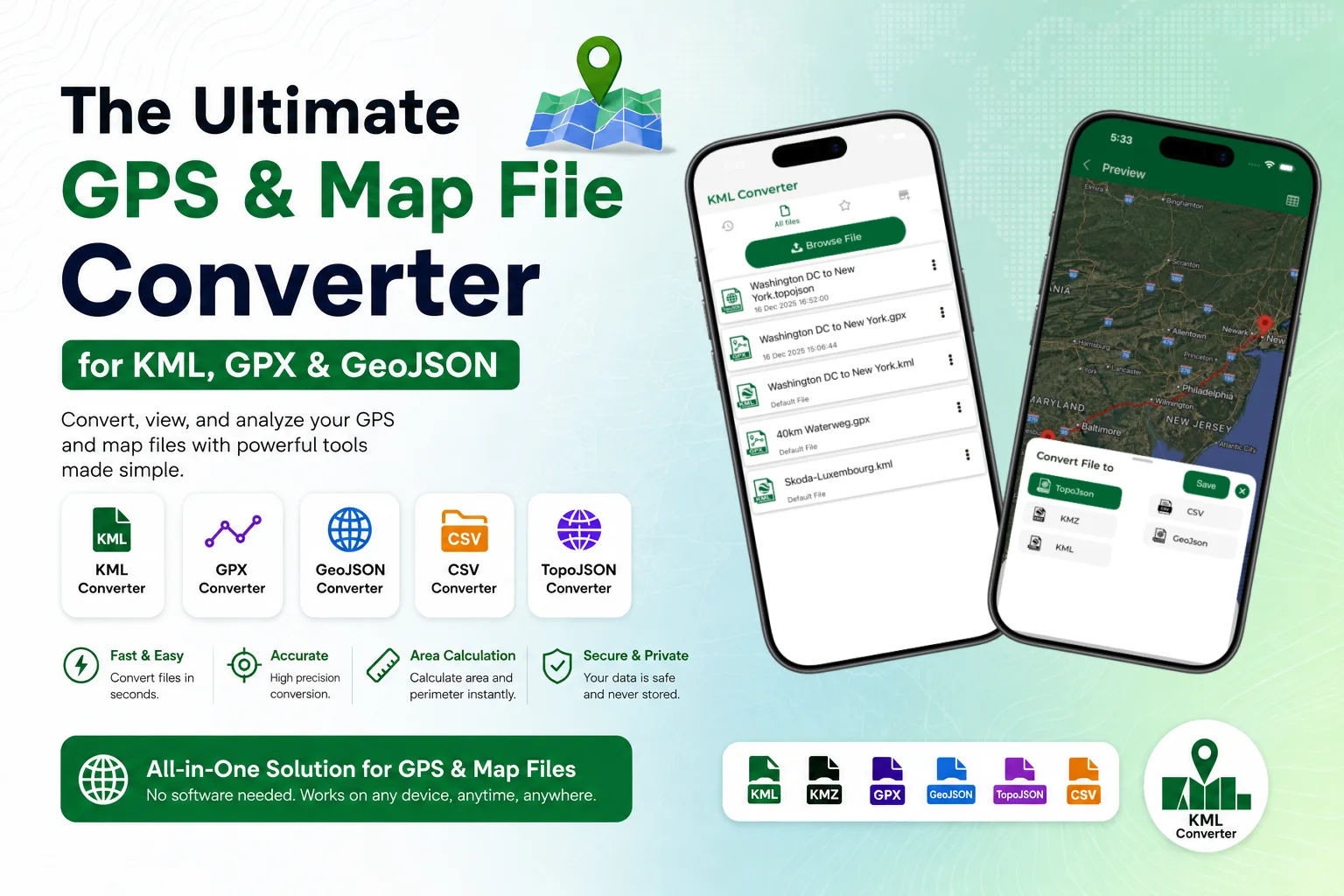
Enter the Ultimate GPS and Map File Converter. This comprehensive online tool eliminates technical friction, allowing you to instantly convert between major geographic formats like KML, KMZ, GPX, GeoJSON, CSV, and TopoJSON. Beyond standard conversion, the platform integrates robust utilities such as automated route conversion and precision area calculation tools. It functions as an all-in-one web solution designed to make mapping accessible, accurate, and entirely free.
Understanding the Core Map File Formats
To successfully navigate spatial workflows, it helps to understand why so many format variations exist. Each format was engineered to optimize specific tasks, whether web rendering, hardware efficiency, or data portability. Let's break down the primary players in the GIS file converter ecosystem:
-
KML & KMZ (Keyhole Markup Language): Originally created for Keyhole Earth Viewer (which later became Google Earth), KML is an XML-based format used to display geographic data in 2D and 3D browsers. KMZ is simply a zipped, compressed version of a KML file, often bundling imagery and custom icons.
-
GPX (GPS Exchange Format): The universal standard for consumer GPS devices, fitness trackers, and smartwatches. GPX files are highly structured XML schemas optimized for logging waypoints, routes, and tracks (including timestamps, elevation, and heart rate data).
-
GeoJSON & TopoJSON: Built on JavaScript Object Notationally, GeoJSON is the undisputed king of web mapping applications like Leaflet and Mapbox. TopoJSON extends this format by eliminating redundant coordinate geometries, making file sizes significantly smaller and faster to load over internet connections.
-
CSV (Comma-Separated Values): A basic tabular text format containing raw latitude and longitude coordinates alongside attributes, widely used for importing large batches of location coordinates from spreadsheets into GIS environments.

Why Use an Online KML and GPS File Converter?
Historically, converting a map file required launching heavy, specialized desktop suites such as QGIS or ArcGIS. While powerful, these programs have steep learning curves and are impractical for quick, on-the-go adjustments. A specialized online KML converter streamlines this process entirely within your browser environment.
First, it bridges hardware silos. If you plan a mountain biking route on Google Earth (KML) but your Garmin bike computer only accepts GPX tracks, a GPS route converter closes that gap in seconds. Second, it strips away unnecessary complexity. Web developers who need to overlay a community boundary map onto an interactive website can easily transform a native desktop KML layer into a lightweight GeoJSON file, optimizing web delivery and load times.
Comprehensive Format Support Matrix
To give you an immediate bird's-eye view of how different formats interact and where they are best deployed, the table below outlines the compatibility and native environments of the primary geospatial file types supported by our converter tool:
| Format | Primary Use Case | Standard Environment | Strengths | Weaknesses |
| KML / KMZ | 3D Visualization & Modeling | Google Earth, ArcGIS Earth | Supports rich styling, text, and 3D scaling | Heavy file sizes for complex geometries |
| GPX | Outdoor Activity Navigation | Garmin, Strava, Handheld GPS | Retains precise time and elevation logs | Limited support for non-navigation shapes |
| GeoJSON | Interactive Web Mapping | Leaflet, Mapbox, Web Apps | Native JavaScript integration, highly readable | Can bloat with extensive point sets |
| TopoJSON | High-Performance Web Maps | D3.js, custom dashboards | Ultra-lightweight, preserves topology | Harder to read and modify directly |
| CSV | Data Analysis & Spreadsheets | Excel, Python, Database ingest | Highly readable, easy bulk edits | Lacks complex styling or structural metadata |
Advanced Mapping Features: Routes and Area Calculation
Our platform is fundamentally much more than a rigid syntax translator; it is a dynamic route converter and spatial calculator. When you upload a map file, the utility actively parses the underlying geometric properties to unlock deeper analytics.
1. Precision Route Conversion
When converting active navigation files, the tool recognizes the crucial difference between a sequence of isolated waypoints (locations of interest) and a continuous track log (the historical path traveled). A true GPS route converter ensures that structural lines remain unbroken during the conversion, preserving the exact sequential ordering of coordinates so your GPS navigation unit will guide you along the correct trails without generating routing errors.
2. Automated Area Calculation Tool
For polygon geometries found in KML and GeoJSON datasets, such as property lines, municipal boundaries, or agricultural fields, the platform features an integrated area calculation tool. The moment your file is processed, the system projects the geographic coordinates onto a standardized equal-area coordinate system to calculate the exact perimeter and total area (displayed instantly in square meters, hectares, or acres). This is incredibly useful for real estate professionals, farmers, and land management specialists who need accurate figures without opening full-scale GIS software.
Step-by-Step Guide: How to Convert Your Map Files
Transforming your geospatial layers requires only a few clicks. Follow this straightforward workflow to convert any compatible format instantly:
-
Upload Your Source File: Drag and drop your file (e.g.,
sample.gpx, .doc, .pdf) directly into the secure upload zone. -
Select the Target Output: Use the intuitive dropdown menu to pick your desired format, whether you need a KML converter, a GPX converter, or a GeoJSON converter.
-
Configure Optional Parameters: Toggle options to simplify geometry (to shrink file size), extract only raw waypoints, or execute an area calculation for enclosed polygons.
-
Process and Download: Click the 'Convert' button. Within seconds, your freshly formatted file is ready for download, perfectly structured and completely clean.
Data Security and Integrity Assured
When handling sensitive geographic data such as proprietary survey points, private tracking records, or confidential commercial asset locations, security is paramount. Our online KML converter handles all file translations safely. Uploaded files are processed strictly in memory and are automatically purged from the secure processing server immediately after compilation. No data is stored, cached, or shared with third parties, guaranteeing total data ownership and confidentiality throughout your entire workflow.
Conclusion: Streamline Your Spatial Workflow Today
Incompatibility should never stand in the way of utilizing valuable geographic insights. By providing a flexible, fast, and completely free web application, the Ultimate GPS and Map File Converter empowers users to jump between platforms without technical hurdles. From effortless KMZ to KML expansion to advanced web deployment with GeoJSON and TopoJSON, this GIS file converter handles data with absolute precision. Bookmark this free online tool today, and keep your routes, boundaries, and spatial data moving smoothly across any device or software ecosystem.

